 Loupe
Find the keepers.Learn from every shot.
Loupe is a free photo review and sorting app. It saves you time by grouping similar shots and doing first-pass edits, then helps you improve by giving each photo a technical and compositional grade with tips to improve.
No account or sign-up. For macOS 11 or later, and Windows 10 or 11.
Loupe does the sorting. You make the calls.
The AI takes on the tedious part as photos arrive: stacking near-duplicates, checking focus and exposure, and suggesting the frames worth a closer look. It never makes your photos for you. It sharpens your eye, so you can see your own taste more clearly and shoot closer to it next time.
Finds your best shots
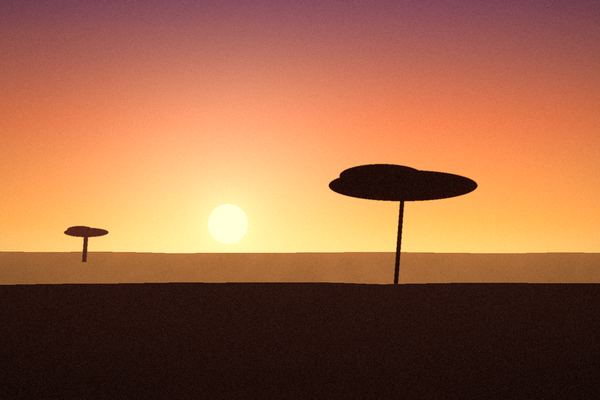
Seven tries at the same sunset become one stack, with the sharpest, best-timed frame on top. Loupe suggests which are Hero or Share Worthy, and you decide what stays.
Open a stack any time to compare the frames side by side.


 Share Worthy
Best of 7
Shows you how to improve
Every photo gets two grades: one for technique, covering focus and exposure, and one for composition, covering framing, light and timing. Then three short notes: what went well, what didn’t, and what to try next time.
The grades are strict on purpose. An honest C you can act on teaches more than a generous B. As your library grows, the Assessment page shows what you’re getting better at and the mistakes you still repeat.
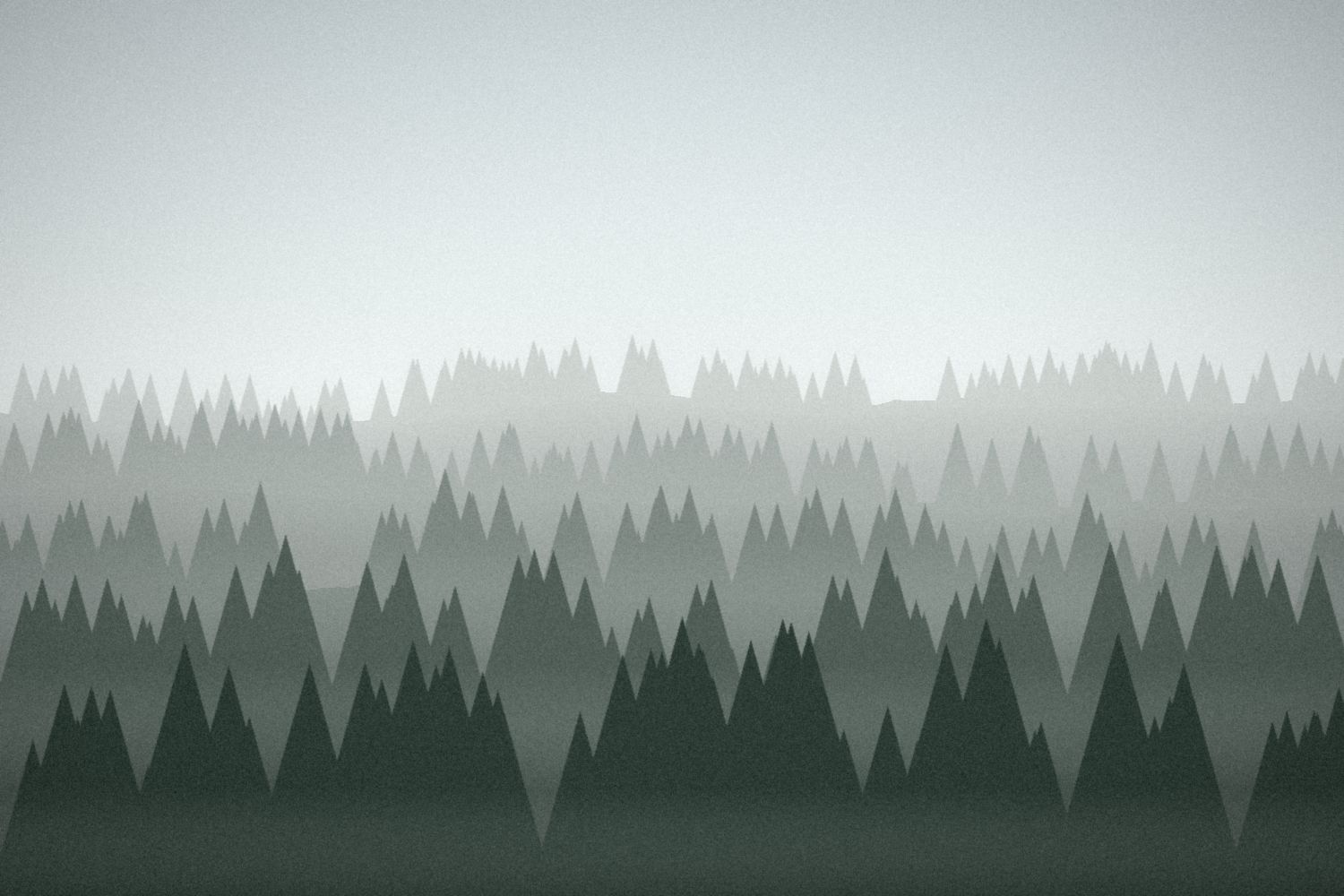
Fog over the pines
- Went wellEach layer of trees fades a step further into the fog.
- Didn’tThe flat sky fills the top third and adds nothing.
- Next timeTilt down so the treeline sits near the top edge.
Starts your edits
Every keeper gets a starting point: exposure, white balance, highlights and, when it needs it, a level horizon. The look is yours to make in Lightroom, or in LightCraft, a free editor that comes with Loupe.
Edits are saved next to your photos as small separate files. Your originals stay exactly as your camera made them.

 From the cameraLoupe’s edit
Your eye has the final say.
The AI’s calls are a starting point. Open Review AI Picks to go through them one by one: press Return to agree, or 1, 2 or X to make a different call.
Your call always wins. Every change teaches Loupe a little more about your taste, so its suggestions get closer to what you would choose.

Morning on the dunes
AI’s call: Share Worthy. Clean lines and soft side light; the sun is a little too centered for Hero.
Your photos stay on your computer.
Loupe reads your photos where they are and never moves, renames or changes them. Loupe never uploads your photos to the cloud, and you’re in full control of which AI you use.
A free AI on this computer
Loupe can download a model that runs entirely on your computer. Nothing is uploaded, and there’s no account or subscription. It needs 8 GB of memory and a one-time download of about 5 GB, and Loupe checks your computer before anything downloads.
The AI app you already use
For fuller, sharper critiques, connect an AI app you already pay for. It sees only the photos it reviews, and only when you ask it to.
JPG, HEIC, PNG, TIFF and raw files from Leica, Sony, Canon, Nikon, Fujifilm and every other major camera.
On a Mac, choose albums or individual photos from your Photos library. Your library is never changed.
Type “sunset over water” or “red jacket” and find it, with nothing to tag.
Up and running in a few minutes.
- Download and open Loupe
In Google Drive, click the zip and choose Download. Open the zip, then open Loupe. Your Mac offers to move it into Applications.
The first time, your Mac may say it can’t check Loupe, because it isn’t from the App Store. Open System Settings › Privacy & Security and choose Open Anyway. You only do this once.
- Show it where your photos are
Choose the folders your photos land in, or albums from Apple Photos. Loupe brings in what’s there now and notices new photos as they arrive.
- Make the calls
Loupe stacks, grades and suggests while you do something else. Then go through its suggestions and keep what you love.
Questions
What is photo culling?
Culling is going through a shoot to keep the best frames and set aside the rest. Loupe does the tedious first pass: it stacks near-duplicates, checks focus and exposure, and suggests keepers. You decide what stays.
Does it cost anything?
No. Loupe is free, with no account, subscription or sign-up.
Do I need an AI subscription?
No. The free model runs on your own computer. If you already use Claude, Codex or Antigravity, you can connect it for more detailed critiques. Stacking and the focus and exposure check work without any AI at all.
Will it change or move my photos?
Never. Loupe reads your photos where they are. Its edits are saved as small separate files that Lightroom and LightCraft read, so your originals stay exactly as your camera made them.
What if I disagree with the AI?
Change its call with one key: 1 for Hero, 2 for Share Worthy, X to set it aside. Your call is final, and Loupe takes your changes into account in its next reviews.
Does it work with Lightroom?
Yes. Loupe shows your Lightroom Classic edits, and its own starting edits open in Lightroom or in LightCraft.
Which cameras and files does it work with?
JPG, HEIC, PNG and TIFF, and raw files from Leica, Sony, Canon, Nikon, Fujifilm, Panasonic, Olympus, Pentax and more. iPhone photos work too.
Windows says it protected my PC. Is that safe?
Windows shows that for apps that aren’t from the Microsoft Store. Unzip the download first, open Loupe.exe, then choose More info and Run anyway. You only do this once.
How do I update?
Download the new version and replace the old one. Your picks, grades and settings are kept separately, so nothing is lost.